Frequently asked questions
Is Village Toolkit right for your community? What it does, who it's for, and what setting it up involves. If something isn't answered here, ask us.
Is it a fit?
Who is Village Toolkit for?
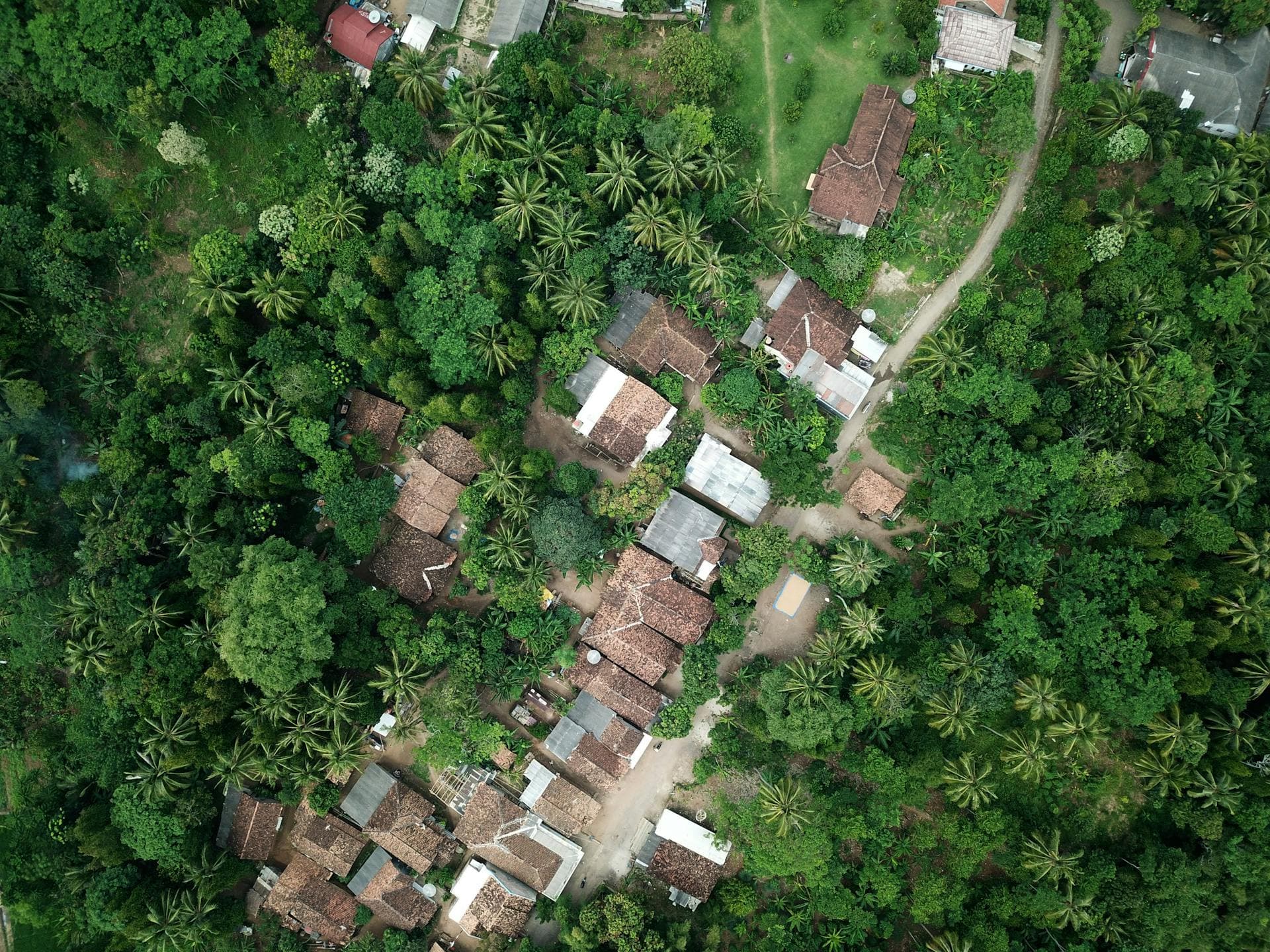
Eco-villages, co-housing and other intentional communities: places where people share land, work and decisions. It's built around what those communities juggle and general tools don't, like work-stay volunteers, rotating jobs, shared agreements and a council that decides together.
How big or small can our community be?
Anywhere from three people to several hundred. A small group might use only the community tasks and calendar; a large community can use every part.
Do we have to use all of it?
No. An admin switches each part on or off, so a community that only wants the shared calendar and community tasks sees just those.
What it does
Everything a community needs to run itself, in one place. An admin chooses which of these to switch on.
Residents
Who lives here, grouped into households.
Volunteers
Volunteer stays and the dates they're with you.
Community Events
A shared calendar for gatherings, with members notified of each new event.
Forum
Discussions and announcements, sorted into categories.
Policies
The agreements your community has made.
Procedures
Step-by-step guides for how things are done in your community.
Community Tasks
Recurring jobs, like cooking and cleaning, and who's on for each.
Community Projects
Bigger pieces of work, each with its own tasks and people.
Inventory
What your community owns, where it's kept, and details like the make, colour and servicing.
Submissions Portal
Where members bring requests to the council.
Who can see and change what?
Every member has one of three roles. Members take part: they see what's going on, propose events, policies and procedures, and bring requests to the council.
Stewards and admins together form the stewardship council. Admins can give a steward more to look after, such as residents or approving events, and admins look after the community's settings.
Can we connect an AI assistant?
Yes, if an admin turns it on. A member can connect an assistant such as Claude to look things up and add records, and it can do only what that member could do themselves.
Cost, data and setup
What does it cost?
Nothing. Village Toolkit is free, forever.
Who can see our community's information?
Only your community's members. Each community's records are kept apart from every other community's, and what a member can change depends on their role. The one exception: a Forum post or reply a member reports as objectionable is sent to us so we can review it, along with whether the member also blocked its author. When you ask to join a community, its stewards see your name, email, photo and bio along with your request.
Your community controls its own data; we hold it on your behalf. We don't sell it or use it for advertising. The privacy policy has the detail.
Where is our data kept, and can we delete it?
Village Toolkit is run from British Columbia, Canada, and your data is stored on servers in the United States.
Any member can delete their own account at any time from their account settings. If your community stops using Village Toolkit and asks us to, we delete its data within 30 days. See the privacy policy for the full picture.
Can we try it first?
Yes. The demo community is open to anyone, with one shared login, and it's reset every night, so nothing you change there lasts.
How do we get started?
One person creates an account and sets up the community from there. They then invite members by email or share a join code that people can scan with their phone, and members can also find the community by name after signing up and ask to join. A steward approves each request.
Still deciding?
Ask us anything this page doesn't answer, or look around the demo community first.